
The best travel apps are not the ones with the longest feature list; they are the ones that solve a specific problem when you are away from home. For most trips, a small set covering maps, translation, transport, itinerary management, flights and money is more useful than installing twenty apps you will never open.
The recommendations below were checked against current official app information in September 2026. Availability, features and pricing can change by country and platform, so check the official app listing before travel.
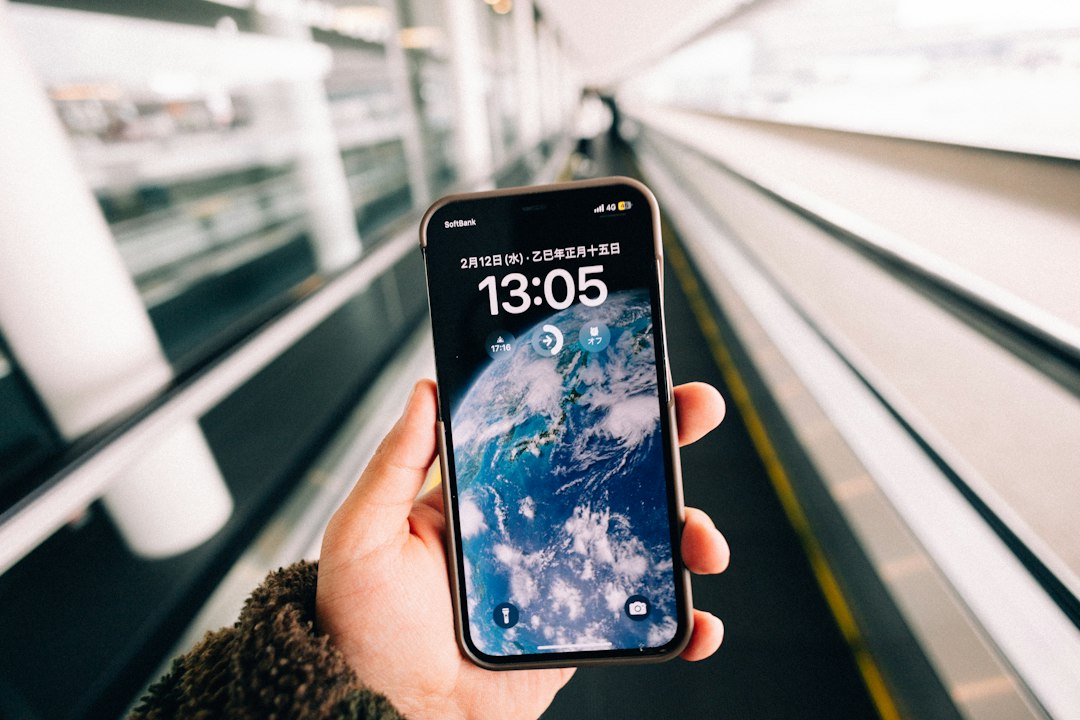
The most useful travel apps solve a specific problem quickly and still work when connectivity is limited. Photo: Hongwei FAN / Unsplash.
Best travel apps at a glance
| App | Best for | Offline use | Main limitation |
|---|---|---|---|
| Google Maps | Everyday navigation and saved places | Downloaded map areas | Offline public-transit, cycling and walking directions are limited |
| Organic Maps | Fully offline maps, walking and hiking | Strong | Less live business and traffic information |
| Google Translate | Quick translation, camera and conversation | Downloaded languages | Not every language/function works offline |
| DeepL | Natural text translation in supported languages | Limited compared with dedicated offline tools | Language coverage differs from Google Translate |
| Citymapper | Urban public transport in supported cities | Some saved information | Coverage depends on city |
| TripIt | Combining bookings into one itinerary | Itinerary access available offline | Some advanced features require Pro |
| Flighty | Detailed flight tracking and disruption alerts | Not its main purpose | Apple ecosystem only as of September 2026 |
| XE | Currency conversion and rate reference | Useful as a reference after recent rates are loaded | Your bank/card rate can differ |
| Wise | Managing travel money in supported countries | Account functions need connectivity | Availability and fees vary by country |
| Airline / rail operator app | Tickets, boarding passes and disruption | Often stores passes/tickets | You may need a different app for each operator |
1. Google Maps — best all-round navigation app
Google Maps remains one of the most useful general travel apps because it combines navigation, saved places, opening information and public-transport directions in many destinations.
The important preparation step is to download the destination area before you leave reliable Wi-Fi. Google confirms that downloaded areas can be used when the internet connection is unavailable or slow, provided the route stays inside the downloaded map.
Important limitation: Google states that offline mode does not provide public-transport, cycling or walking directions in the same way as online use, and live traffic or alternate driving routes are unavailable offline.
Google Maps official offline-map instructions.
2. Organic Maps — best for maps that truly work offline
Organic Maps is particularly useful when you expect weak mobile coverage, want walking or hiking detail, or prefer a privacy-focused mapping app. It uses OpenStreetMap data and supports offline search, turn-by-turn walking, cycling and driving navigation, hiking trails and contour information.
Best for: road trips, hiking, remote areas and travelers who want a backup map independent of mobile data.
Trade-off: it is not designed around the same volume of live traffic, review and business information as Google Maps.
Organic Maps official website.
3. Google Translate — best general translation app
Google Translate handles typed text, speech, photos and camera translation across a broad language range. Before traveling, download the languages you expect to use so basic translation remains available without data.
Google notes that not every language is available for offline download, so check this before departure rather than discovering it after landing.
Google Translate offline-language instructions.
4. DeepL — best for more natural text in supported languages
DeepL is useful when you need to translate a longer message, accommodation request or piece of text and want an alternative to Google Translate. Its current mobile apps support text, speech, photo and document-based translation features, depending on platform and language.
Best for: longer written communication in languages DeepL supports well.
Trade-off: it should complement, not necessarily replace, an offline translation tool when connectivity may disappear.
5. Citymapper — best for complex public transport in supported cities
Citymapper is useful in large cities where a journey may combine metro, bus, rail and walking. It focuses on urban transport rather than general road navigation and is available on iPhone and Android.
Best for: city breaks where public transport is the main way you move around.
Trade-off: coverage and data quality depend on the city, so check your destination before relying on it.
6. TripIt — best for keeping bookings in one itinerary
TripIt is useful when a trip includes several flights, hotels, rental cars and reservations. You can forward booking confirmations and have them organized into one itinerary instead of repeatedly searching your email.
TripIt currently supports itinerary access across devices and lists offline access among its core planning features.
Best for: multi-city trips, business travel and anyone with many separate confirmations.
TripIt official trip-planner information.
7. Flighty — best detailed flight tracker for Apple users
Flighty focuses on flight status, delay information, inbound-aircraft tracking and fast alerts. It can be especially useful when you fly frequently or have tight connections.
Platform warning: as of September 2026, Flighty states that it is available across the Apple ecosystem but does not have an Android version.
Best for: iPhone users who want more flight-detail and disruption information than a basic airline app provides.
Flighty supported-platform information.
8. XE Currency — best simple exchange-rate reference
XE is useful for checking currency conversions and monitoring rates. That makes it helpful when you are trying to understand what a restaurant bill, hotel rate or cash withdrawal means in your home currency.
Do not confuse the reference rate with your final card cost. Banks, card networks and ATMs can apply their own exchange rates and fees.
9. Wise — best for managing travel money where available
Wise can be useful for travelers who already use its account or card and want to hold, convert or spend multiple currencies through one app. Its travel-card availability, limits and fees vary by country, so this is not a universal recommendation for every traveler.
Best for: travelers who need multi-currency money management and have confirmed that the service and card are available in their home country.
Practical tip: when a card terminal or ATM asks whether to charge you in your home currency or the local currency, compare the conversion carefully. Dynamic currency conversion can be poor value.
Wise travel-money information.
10. Your airline and rail operator apps — often the most important on travel day
Generic travel apps are useful, but the official airline or rail operator app is often the first place to receive a new gate, platform, cancellation, boarding pass or rebooking option.
Install only the apps relevant to your bookings. For a European rail trip, for example, the official operator app can be more useful on travel day than a general itinerary app because it has the live ticket and disruption data for that operator.
Which travel apps do you actually need?
For a normal city trip, this compact setup is enough for many travelers:
- Navigation: Google Maps plus Organic Maps as an offline backup.
- Language: Google Translate, with the required language downloaded.
- Transport: Citymapper where supported plus the official airline/rail app.
- Itinerary: TripIt if you have several bookings; otherwise a simple notes or calendar app may be enough.
- Money: XE for quick reference, plus your own banking/card app.
- Flights: Flighty if you use Apple devices and want deeper flight tracking.
Five things to do before you leave home
- Download maps. Save both your destination and airport area.
- Download translation languages. Test them with airplane mode enabled.
- Save tickets offline. Screenshot or add boarding passes and critical tickets to your wallet where appropriate.
- Sign in before travel. Do not discover that an app wants an SMS verification code when your home SIM is unavailable.
- Keep a backup. Store important confirmation numbers somewhere accessible even if one app fails.
Travel-app security matters
A trip can involve public Wi-Fi, roaming and more account logins than usual. Use a strong screen lock, enable multi-factor authentication on email and financial accounts, and avoid storing unnecessary passport or payment data in random itinerary apps.
Your email account is particularly important because it often contains booking confirmations and password-reset links. Protect it accordingly.
Best travel apps: final recommendation
Do not judge a travel setup by how many apps you install. A reliable map, translation tool, official transport app and secure way to access your reservations will solve most problems. Add specialist tools such as TripIt, Flighty or Wise only when they match the way you actually travel.
For the rest of the preparation process, use our step-by-step travel planning guide. If you are organizing several destinations, see our multi-city trip planning guide.
For booking platforms rather than travel utilities, see our directory of online travel agencies around the world.
Last reviewed: September 2026. App features, platform support, pricing and regional availability can change; verify the official app or app-store listing before relying on a feature during a trip.